
Get Started
Install Inbox2Action a.k.a. Inbox2Notion in your favorite browser!
🌐
Google Chrome
🧭
Arc
🦁
Brave
🔷
Microsoft Edge
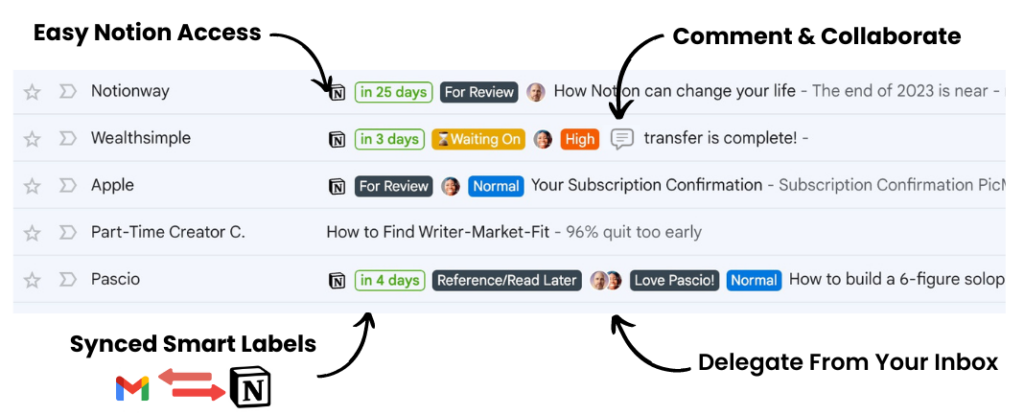
After installing, open Gmail to start using Inbox2Action.
How It Works
1
Install Extension
Add Inbox2Action to your browser from the Chrome Web Store.
2
Connect Notion
Authorize your Notion workspace to start syncing emails.
3
Start Organizing
Turn emails into tasks, projects, and more with one click.
Create Your Account
Sign up to manage your subscription, sync your settings, and unlock all features.